






Cross-Module Full-Range Collaboration
Maestro's single chat window unifies all BMS modules (Content, DAM, E-commerce, Knowledge). Cross-module tasks link automatically in the background, preserving context and eliminating system switching or re-establishing information.
Core Advantages


Cross-Module Full-Range Collaboration: How Maestro Unifies the Entire BMS Digital Experience Platform (BMS DXP) Through a Single Chat Window
I. Unified Dialog Window Across the Entire Platform
The broader the functional coverage of an enterprise-grade Digital Experience Platform (DXP), the stronger the operational fragmentation caused by module boundaries.Content Management, Digital Asset Management, E-commerce Engine, and Knowledge Center—each module operates as an independent interface system, with its own operational logic and data structure. Users must frequently switch between modules; the more modules there are, the greater the cognitive load. Maestro unifies access to the full capability set of Bravo Marketing Suite (BMS) via a single dialog window. Users no longer need to locate functions across different modules or menus; the Agent automatically identifies the business objective and invokes the required module capabilities to complete orchestration. The interaction interface converges from multiple functional modules into one unified dialog window.
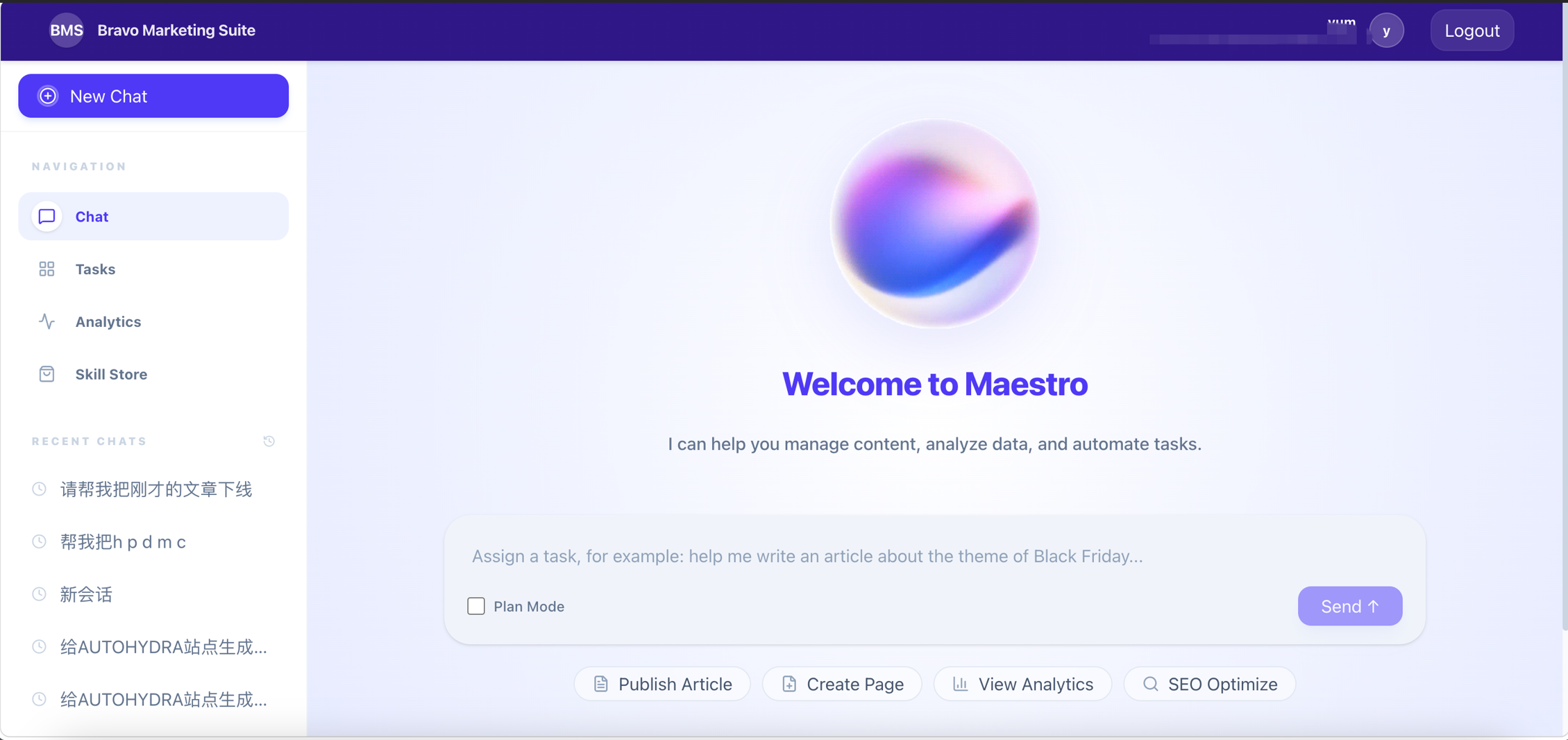
Figure: Maestro Dialog Window
II. Unified Identity Access via SSO Figure:
Unified user identity recognition across modules is the prerequisite for cross-module collaboration. If each module requires independent login credentials and permission configurations, operational continuity breaks down at the authentication stage. Maestro integrates with the enterprise’s existing identity provider (IdP) using standard SSO protocols. After users log in with their enterprise-wide account, the Agent automatically inherits the corresponding permissions across all modules—enabling seamless cross-module operations with a single authentication. Enterprises do not need to create or maintain a separate user system for Maestro; account provisioning, modification, and deactivation are all managed centrally within the enterprise IdP.
Figure: SSO Single Sign-On
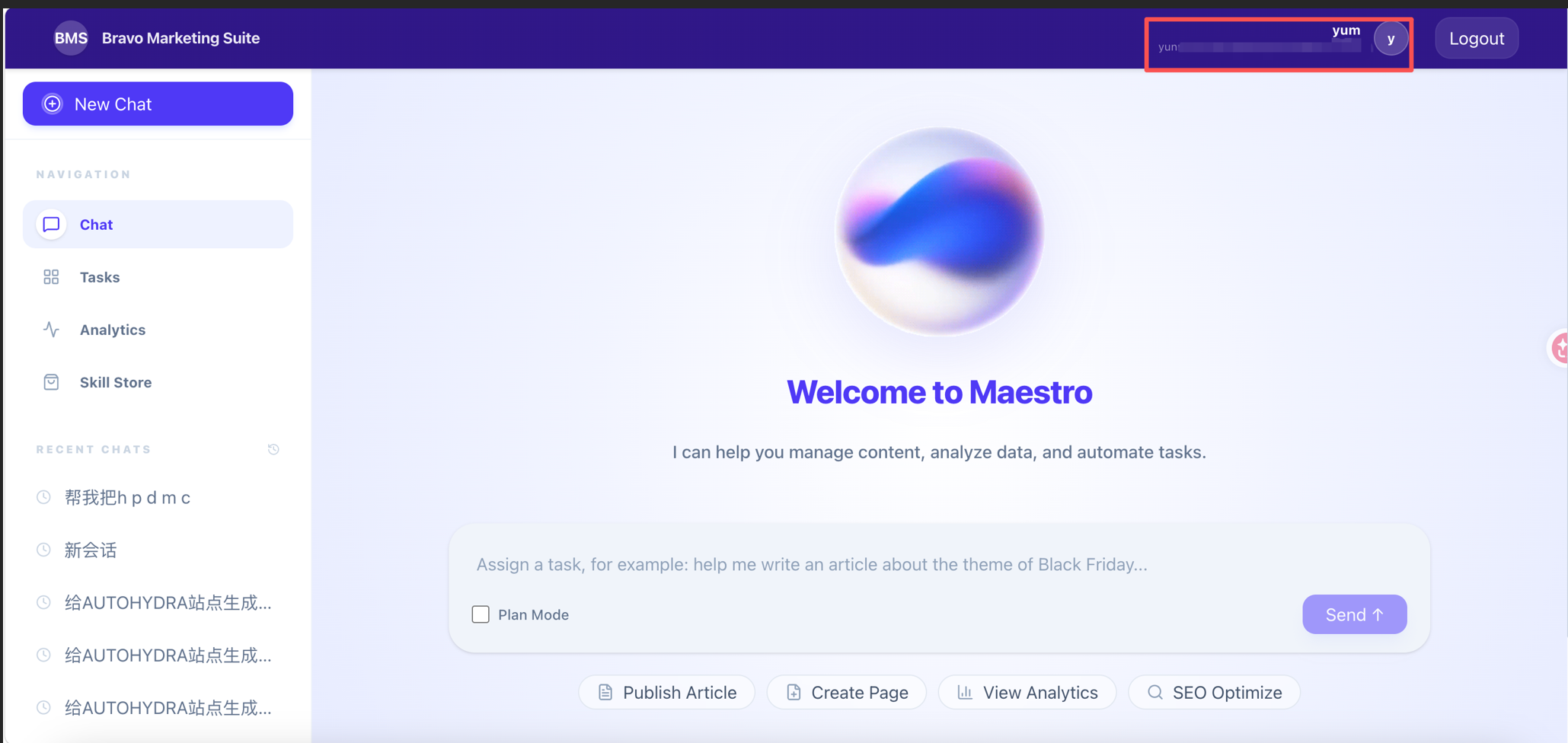
Figure: Unified User Identity Authentication
III. Automatic Data Association and Transfer Between Modules
At its core, seamless cross-module operation relies on associated data transfer.Content Module-generated content IDs must be passed to the Digital Asset Module for association matching; results returned by the Digital Asset Module must then be passed to the E-commerce Module for product binding. In manual workflows, users must actively record and manually transfer these intermediate data points—any omission halts the entire process. Maestro runs atop the unified BMS data foundation: operation results generated by one module automatically serve as input parameters for the next module, with all inter-module data flow handled entirely by the system—cross-module business processes no longer break due to data handoff failures.
IV. Continuous Cross-Module Operational Context
The largest hidden cost in manual cross-module tasks is context loss. Each time a user switches modules, they must reconfirm which site is being operated on, which product is involved, and which asset set is associated—this contextual information does not naturally carry over between modules. Maestro maintains continuous cross-module context within a single dialog session: prior-stage selections—including site, content scope, and operational objectives—naturally persist into subsequent module operations, eliminating the need for repeated declarations. Context is attached to the dialog—not to individual modules.
V. Capabilities Naturally Extend as Modules Expand
Maestro connects to the full capability set of BMS. As BMS platform capabilities expand—through new modules, enhanced features in existing modules, or integration of third-party systems—the range of capabilities available to the Agent expands accordingly. The dialog window requires no dedicated UI configuration or operational entry point for each newly added capability. Module expansion and interaction complexity are no longer linearly coupled.
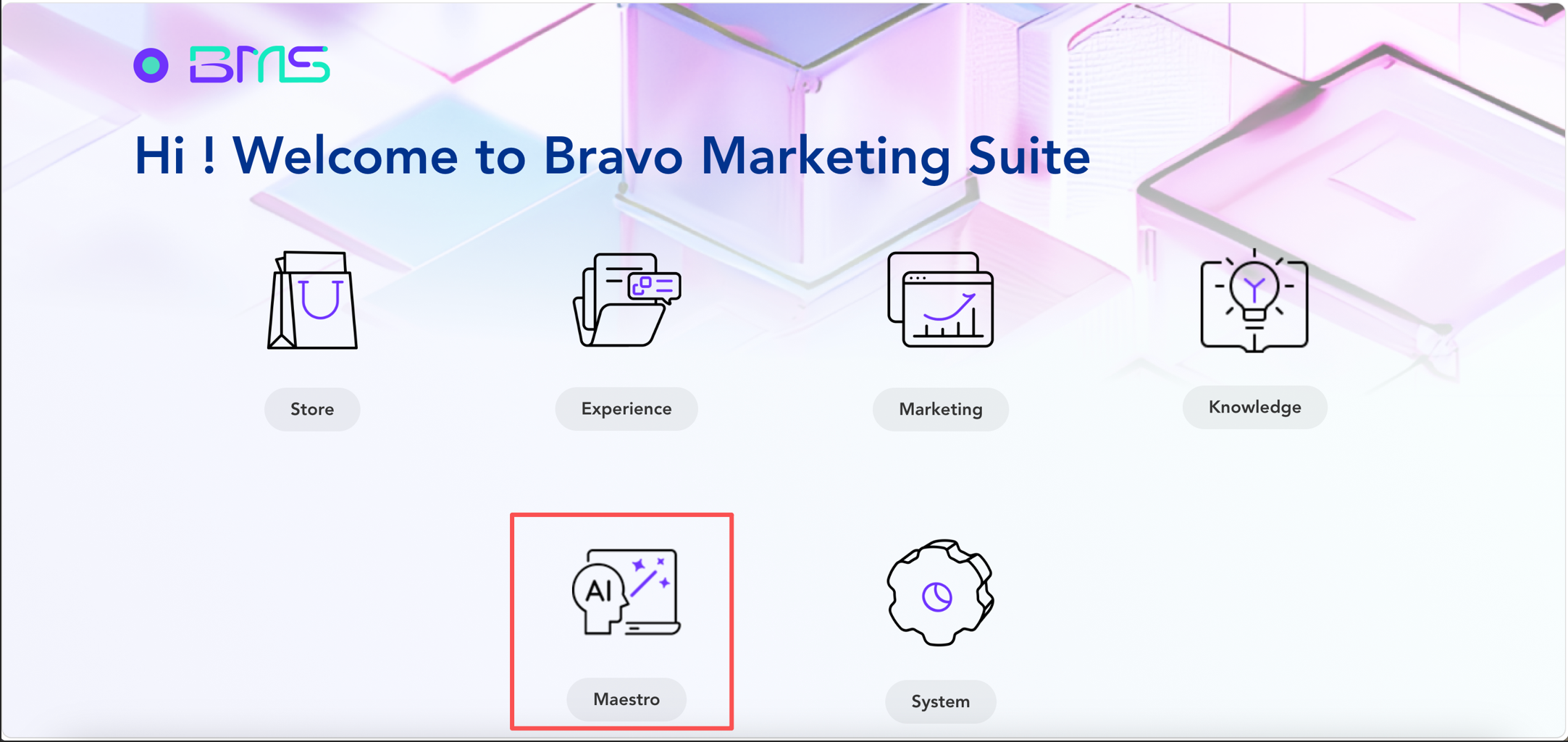
Figure: Maestro Collaborating with BMS DXP
FAQ
- Q1: Which BMS modules does Maestro currently connect to?
A1: Maestro currently connects to four core modules of the BMS Digital Experience Platform (BMS DXP): Content Management, Digital Asset Management, E-commerce Engine, and Knowledge Center. The scope of connected modules continues expanding alongside BMS platform evolution.
- Q2: Will cross-module operations affect the stability of individual modules?
A2: No. Maestro invokes modules exclusively through standardized APIs; the internal operational logic and stability of each module remain unaffected by Agent-driven orchestration. Cross-module orchestration occurs at the API invocation layer—not inside the modules themselves.
- Q3: What happens to cross-module tasks if a module is undergoing maintenance?
A3: The orchestration engine checks module availability before execution. If a module is temporarily unavailable, related task nodes automatically pause or divert to fallback paths—without disrupting independent operations in other modules. Tasks can resume from the interruption point after maintenance completes.
- Q4: Does cross-module operation support conditional branching between modules?
A4: Yes. The orchestration engine dynamically adjusts downstream module execution paths based on upstream module outcomes—for example, skipping the publishing step and notifying editors for revision if content fails review.
- Q5: What effort is required to integrate a new module with Maestro?
A5: New modules integrate with Maestro via standardized API contracts. Integration of BMS core modules is completed by DragonBravo during product iteration cycles. Third-party system integration effort is assessed case-by-case based on interface complexity and business scenarios.

Want to know more about our products?
With years serving Fortune 500 clients, we offer flexible solutions and integrated implementation.
